


Choosing the Best Music Production Software: Top Music Production Tools for Creators
When I first started producing music, I was overwhelmed by the sheer number of options available for music production software. Each program promised unique features, ease of use, and professional results. Over time, I learned that choosing the right software is a crucial step in shaping your sound and workflow. Whether you are a musician, artist, or vocalist aiming to create industry-quality tracks, understanding the strengths and limitations of different tools can save you time and elevate your music.
Exploring the Top Music Production Tools
Music production software, often called Digital Audio Workstations (DAWs), are the backbone of modern music creation. They allow you to record, edit, mix, and master your tracks all in one place. When I explored the top music production tools, I focused on several key factors:
User Interface: How intuitive and easy is the software to navigate?
Features: Does it offer virtual instruments, effects, and MIDI support?
Compatibility: Can it run smoothly on your computer’s operating system?
Community and Support: Are there tutorials, forums, and updates available?
Some DAWs are better suited for beginners, while others cater to professionals with advanced needs. For example, some tools excel in electronic music production, while others are preferred for live instrument recording.
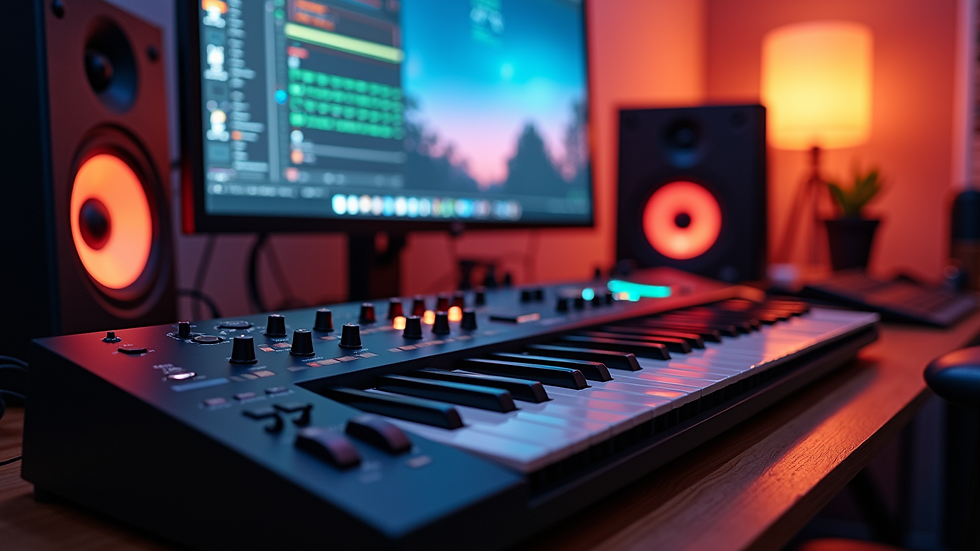
Which is the Best Software for Music Production?
This is a question I get asked often, and the answer depends on your specific goals and preferences. Here are some considerations that helped me decide:
Workflow and Creativity
I found that software with a flexible workflow encourages experimentation. Features like drag-and-drop, customizable layouts, and quick access to effects can keep the creative momentum going.
Sound Quality and Plugins
The quality of built-in instruments and effects matters a lot. Some DAWs come with a rich library of sounds and third-party plugin support, which can expand your sonic palette.
Learning Curve
If you are new to music production, a software with a gentle learning curve and plenty of tutorials is invaluable. On the other hand, experienced producers might prefer complex tools with deep customization.
Budget
Prices vary widely, from free or low-cost options to premium suites. I recommend starting with a trial version to test if the software fits your style before investing.
Collaboration Features
In today’s music industry, collaboration is key. Some DAWs offer cloud-based project sharing, which can be a game-changer for working with other artists remotely.
By weighing these factors, I was able to narrow down my choices and find a tool that matched my needs perfectly.
Key Features to Look for in Music Production Software
When selecting your music production software, keep an eye out for these essential features:
Multitrack Recording: Ability to record multiple instruments or vocals simultaneously.
MIDI Editing: Precise control over virtual instruments and electronic sounds.
Audio Editing Tools: Cut, fade, pitch correction, and time-stretching capabilities.
Mixing Console: Intuitive mixer with automation and effects routing.
Virtual Instruments and Effects: Synthesizers, drum machines, reverb, delay, and more.
Export Options: Support for various audio formats and high-quality rendering.
Integration with Hardware: Compatibility with MIDI controllers, audio interfaces, and other gear.
I found that having a software that combines these features in a user-friendly package makes the production process smoother and more enjoyable.

Tips for Getting the Most Out of Your Music Production Software
Once you have chosen your software, here are some practical tips to maximize your productivity and creativity:
Learn Keyboard Shortcuts: This speeds up your workflow and reduces mouse dependency.
Use Templates: Create project templates with your favorite instruments and effects to start quickly.
Organize Your Files: Keep your samples, presets, and projects well-organized to avoid confusion.
Experiment with Effects: Don’t be afraid to try unconventional effects to create unique sounds.
Regularly Save and Backup: Protect your work by saving often and backing up projects externally.
Watch Tutorials and Join Communities: Learning from others can inspire new techniques and solutions.
By integrating these habits, I was able to focus more on the music and less on technical frustrations.
Final Thoughts on Choosing Your Music Production Software
Selecting the right tool is a personal journey that depends on your style, goals, and workflow preferences. I encourage you to try out different options and see which one feels like a natural extension of your creativity. Remember, the software is just a tool - your passion and dedication are what truly bring your music to life.
If you want to explore the best music production software that can help you craft professional tracks from start to finish, consider visiting MBGSTUDIOS. They offer a creative hub in Brooklyn where artists across all genres can grow and thrive in the music industry.
Choosing the right software is the first step toward making your musical vision a reality. Take your time, experiment, and enjoy the process of creating your unique sound.


Comments